
QuickBooks to Odoo Migration: Move Your Books Without Losing a Transaction
Migrate from QuickBooks to Odoo with your full transaction history intact, or keep QuickBooks Online running alongside Odoo with a live two-way integration. HST is an Odoo Silver Partner that's done this migration before.
Get My QuickBooks Migration Planexpand_moreHow QuickBooks to Odoo Migration Works
A one-time, carefully mapped move, not a raw data dump. Your books get rebuilt correctly, then checked before anyone relies on them.
Every QuickBooks Transaction, Rebuilt Correctly in Odoo
A QuickBooks to Odoo migration isn't a file upload, it's a rebuild of your chart of accounts, customers, vendors, and open balances so the numbers tie out on day one. We map QuickBooks categories to Odoo's accounting structure by hand, not with a generic import template that leaves you reconciling for months.
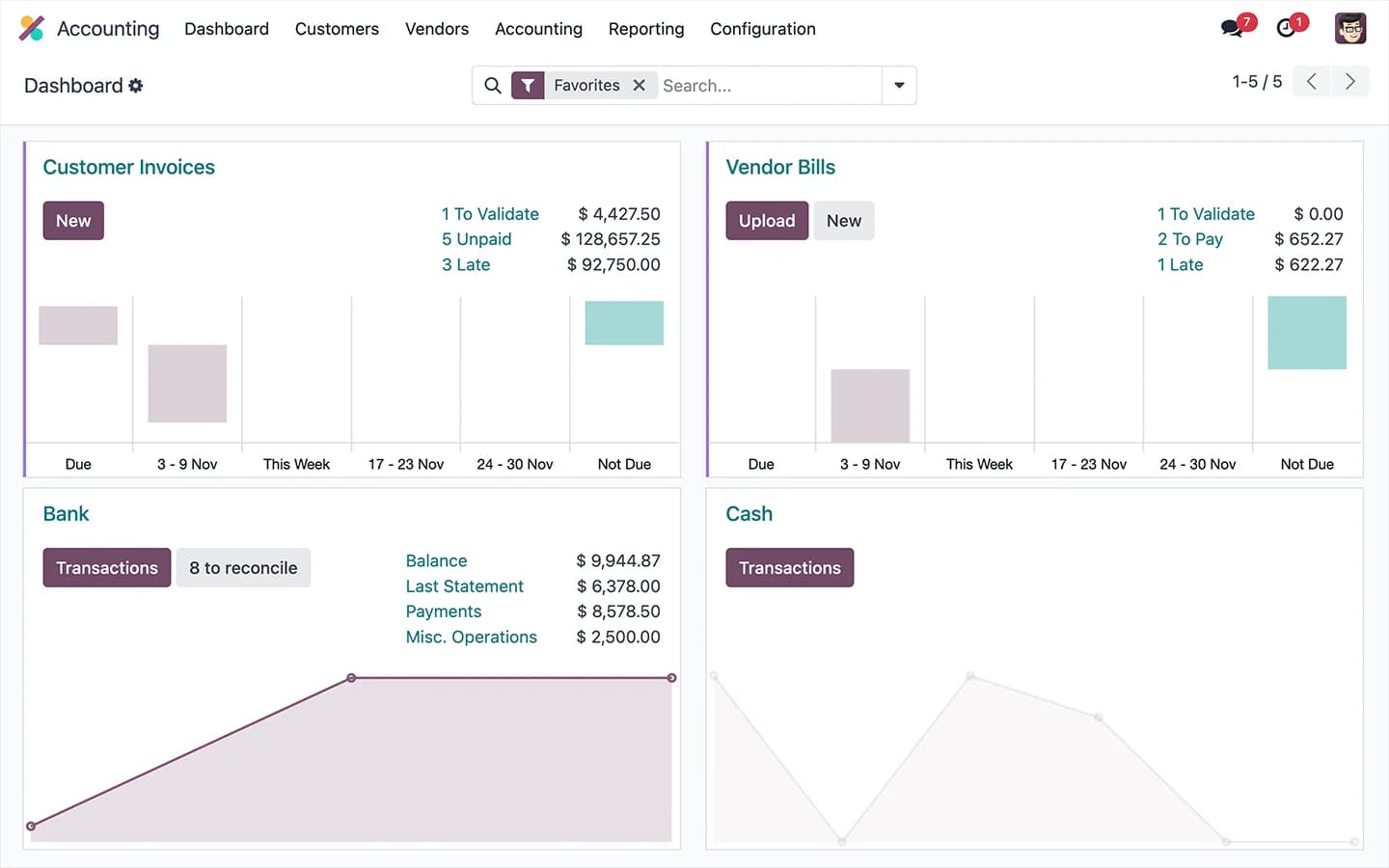
Invoices and Vendor Bills That Match Your Originals
Every invoice and vendor bill migrated from QuickBooks keeps its original number, date, and line items, so an auditor or accountant can trace it straight back to the source document. Nothing gets flattened into a single opening-balance journal entry.
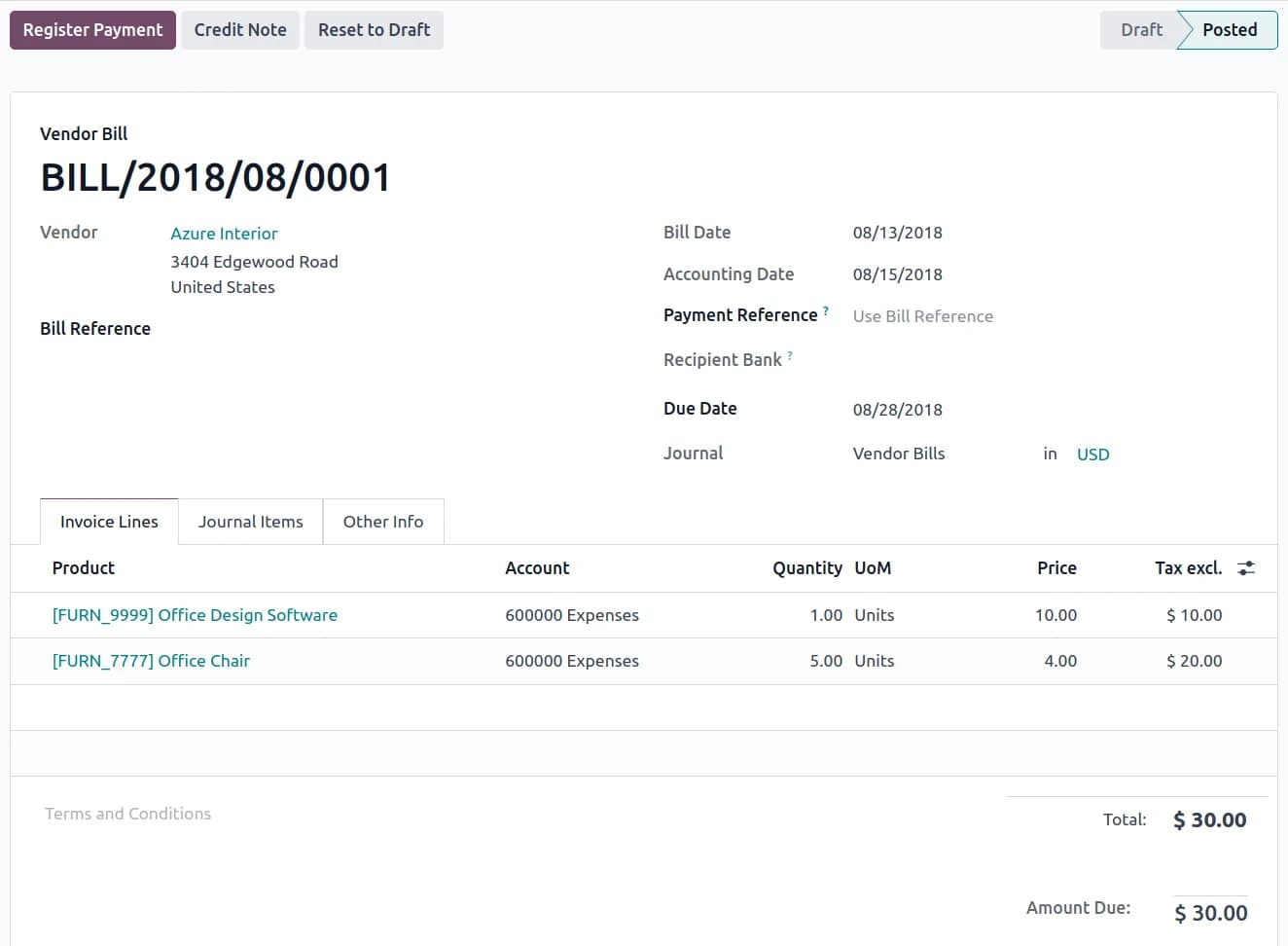
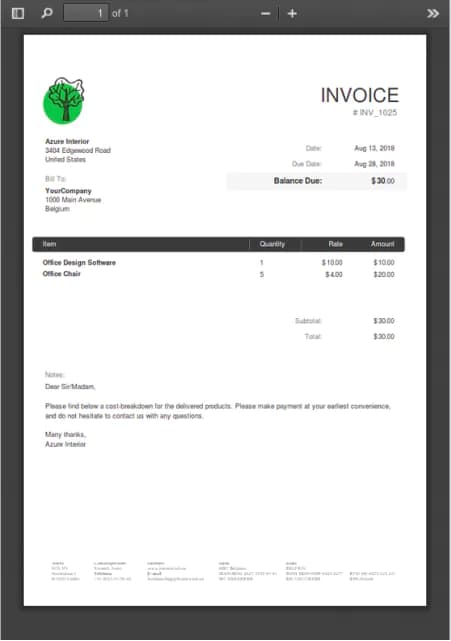 Original Document
Reconciled Books You Can Check From Your Phone
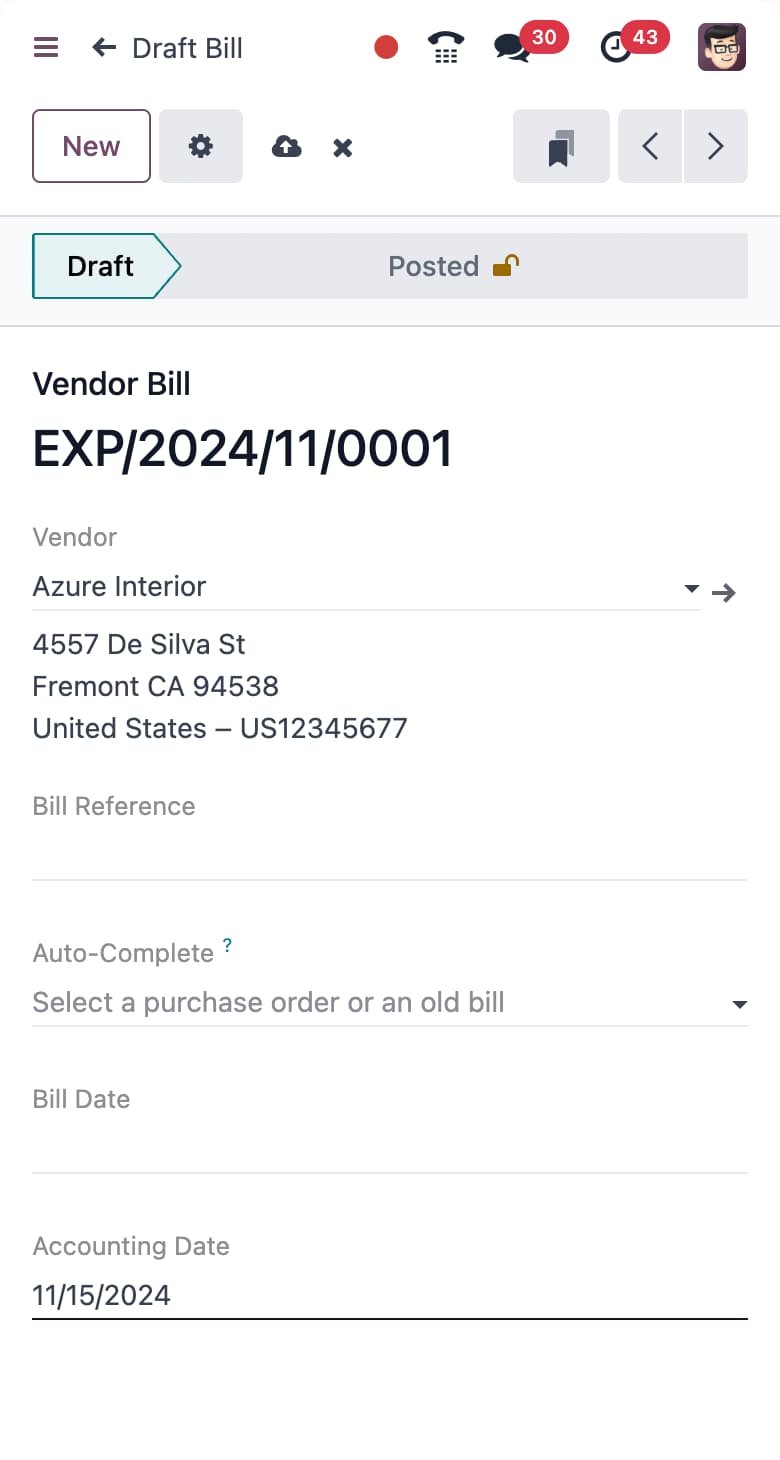
Bank feeds and reconciliation history carry over so your cash position is accurate from the first day you log in, not something you have to rebuild by hand. Check invoices, bills, and balances from the Odoo mobile app the moment migration goes live.
Talk To Us About Your QuickBooks Migration
Tell us whether you're on QuickBooks Desktop or Online, and how many years of history you need moved, and we'll map out what the migration looks like before you commit to anything.
More QuickBooks to Odoo Migration Features
Desktop & Online
We migrate from QuickBooks Desktop and QuickBooks Online, each with its own export path and quirks we already know.
Open Balances Preserved
Outstanding invoices, unpaid bills, and unreconciled bank lines migrate as live records, not a single lump-sum entry.
Multi-Currency History
Historical transactions keep their original transaction currency and exchange rate, so past reports don't shift.
Live Sync Option
Not ready to leave QuickBooks Online entirely? A connector app keeps it synced with Odoo Accounting instead of migrating.
QuickBooks Connects to Every Odoo App You Run
Once your books land in Odoo Accounting, they're not sitting in an isolated finance tool anymore. Invoicing, Sales, Purchase, and Inventory all read and write against the same ledger, so a sale or a bill updates your numbers without a second system to reconcile against.
That's the real gap QuickBooks can't close: it's a standalone accounting tool, not the operational system your whole business runs on.


See Your QuickBooks Data Mapped Into Odoo
Tell us a bit about your QuickBooks setup and we'll walk you through what the migration or integration looks like for your books.
QuickBooks to Odoo Migration FAQs
How does a QuickBooks to Odoo migration actually work?
We export your QuickBooks data, map every account, customer, vendor, and tax code to its Odoo equivalent, then import and reconcile against your existing reports before anyone touches the new system. Nothing goes live until the numbers match.
Can I migrate from QuickBooks Desktop, not just QuickBooks Online?
Yes. QuickBooks Desktop and QuickBooks Online export data differently, and we handle both. Desktop migrations usually take a company file export, Online migrations use the API, either way the destination is the same clean Odoo Accounting setup.
Will my historical invoices, bills, and bank reconciliations come over?
Yes. Individual invoices and bills migrate with their original numbers and line items intact, and bank reconciliation history comes with them, so your cash position is accurate from day one instead of something you rebuild by hand.
Do I have to fully migrate, or can I integrate Odoo with QuickBooks and keep both?
Both are real options. Most businesses migrate fully and retire QuickBooks. Some genuinely need QuickBooks Online running alongside Odoo, in which case we set up a live two-way sync connector instead. We'll tell you honestly which one fits your situation.
What is the Odoo QuickBooks Desktop connector, and do I need it?
It's a sync tool for businesses that want to keep QuickBooks Desktop running long-term alongside Odoo. Most companies migrating from Desktop don't need it, since a one-time migration retires QuickBooks cleanly, but we'll walk you through both paths before you decide.
How long does a QuickBooks to Odoo migration take?
Most migrations are live within two to four weeks, depending on how many years of history and how many open transactions need to be mapped. We test everything against a sandbox copy of Odoo before touching your live books.
Ready to Leave QuickBooks Behind?
A Strategy Call walks through your QuickBooks setup and shows exactly what a clean migration to Odoo would look like.
callRequest Strategy Call