
Odoo Accounting: Close Your Books in Hours, Not Days
Odoo Accounting keeps your invoices, bills, and bank balance up to date the moment something happens, so you're never guessing where the money stands.
How Odoo Accounting Works
Odoo Accounting follows one simple loop. Send an invoice, get paid, match the payment to your bank, and watch the report update itself, no separate tools stitched together.
Your Odoo Accounting Dashboard, At a Glance
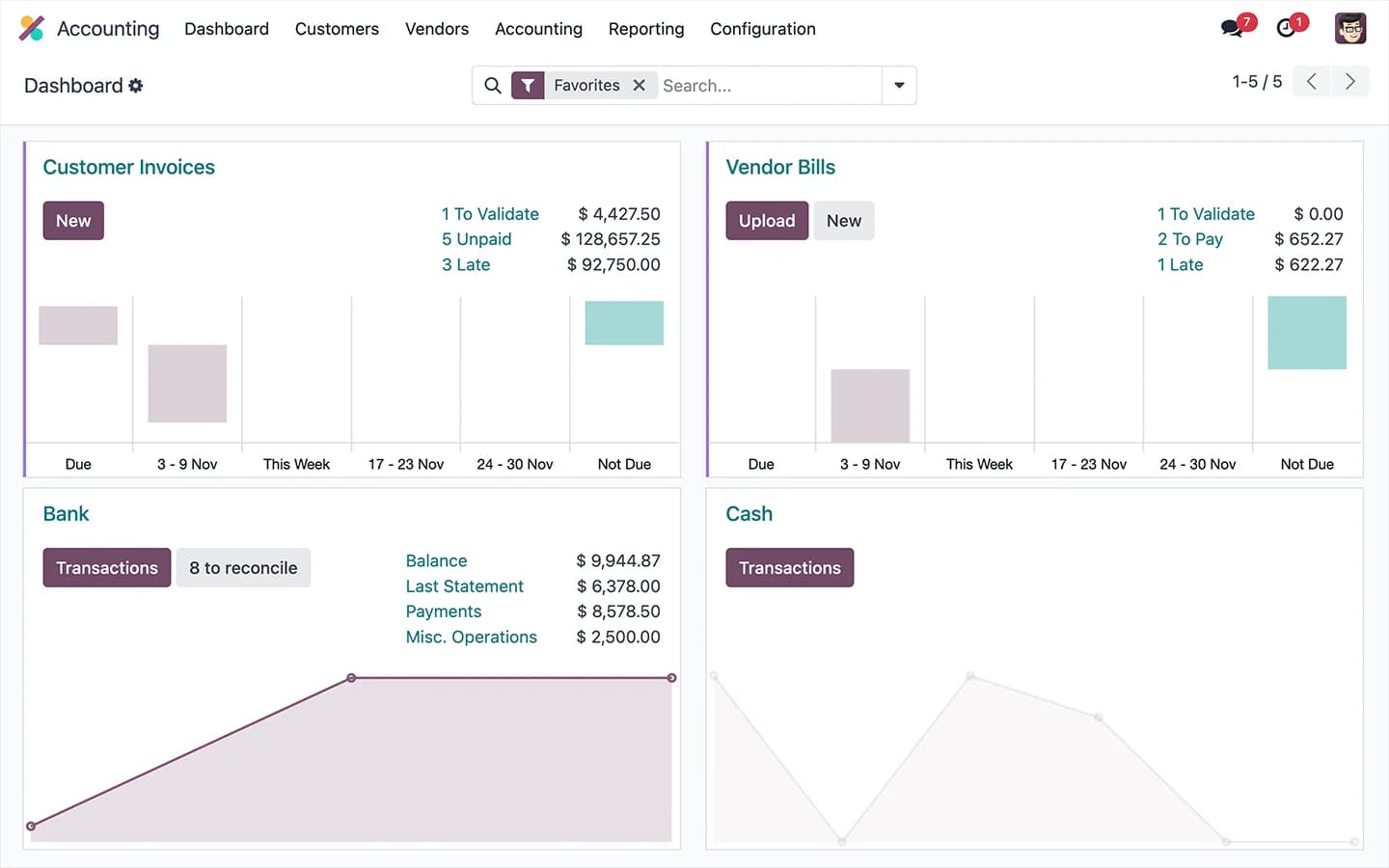
Open Odoo Accounting and see what matters right away: unpaid invoices, upcoming bills, your bank balance, and cash flow. You don't need to build a report to know how the business is doing today, it's already on the screen.
Odoo Accounting Reads Your Bills For You
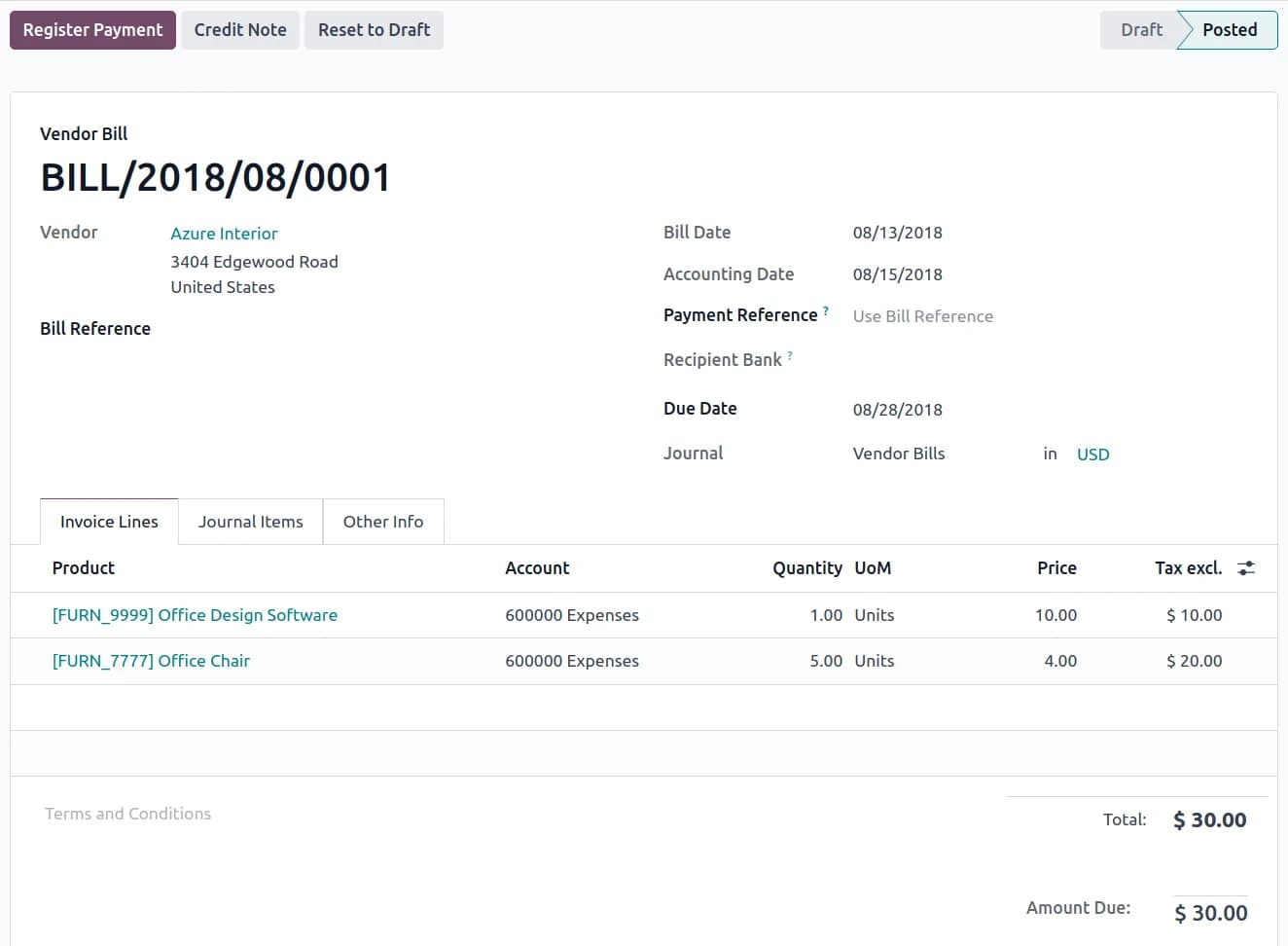
Drop in a vendor PDF and Odoo Accounting reads it. It picks out the vendor, the amount, and every line item, then fills in the bill on its own. Odoo's own numbers put this at 98% accuracy, so bills stop needing to be retyped by hand.
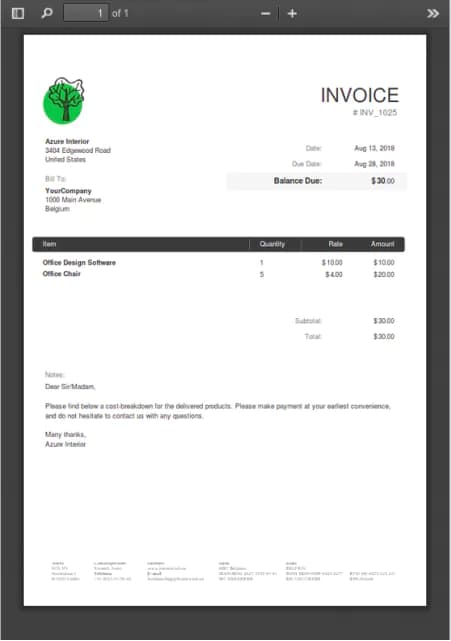 Original Vendor PDF
Odoo Accounting On Your Phone
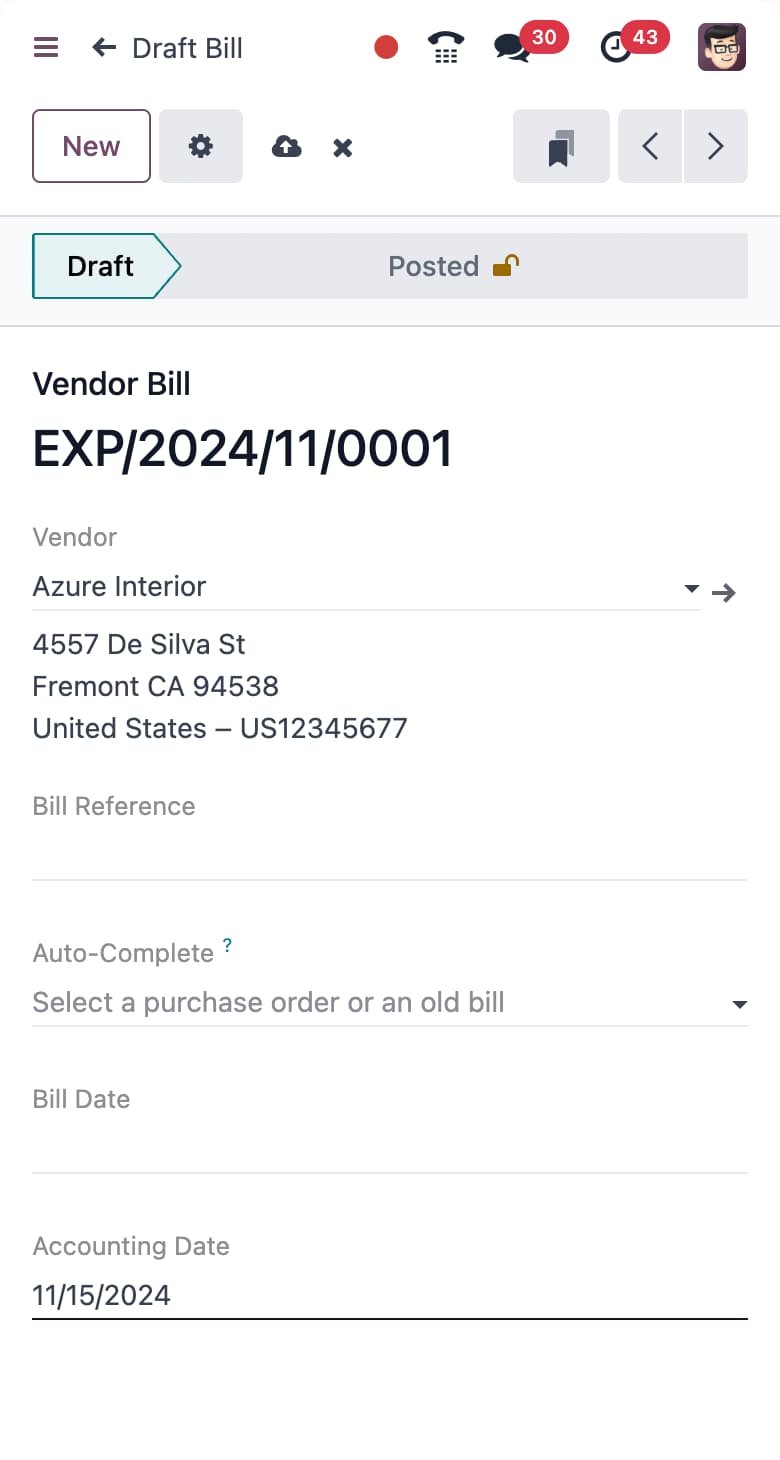
Approve a bill, check a balance, or snap a photo of a receipt, all from your phone. The Odoo Accounting mobile app runs on the same real numbers as your computer, so there's nothing to sync later.
More Odoo Accounting Features
Real-Time Reports
See profit, cash flow, and unpaid invoices the moment they change, not just at month-end.
Bank Sync & Reconciliation
Connect over 28,000 banks directly. Odoo Accounting matches transactions to invoices on its own.
Multi-Currency & Multi-Company
Run more than one company or currency from the same Odoo Accounting account.
Tax Compliance & Localization
Built-in tax rules for over 90 countries, so you stay compliant without extra spreadsheets.
Odoo Accounting Connects to Every App You Use
When someone makes a sale, rings up a purchase, ships a product, or files an expense, Odoo Accounting already knows. It runs on the same system as Sales, Inventory, Point of Sale, Purchase, Expenses, and Subscriptions, so nothing needs to be exported or typed in twice.
That's what makes Odoo Accounting different from a standalone tool like QuickBooks or Xero: the numbers come straight from the work itself, not a summary of it.


Odoo Accounting FAQs
Can Odoo Accounting replace QuickBooks or Xero?
For most businesses, yes, and it goes further. Because Odoo Accounting is built on the same platform as Sales, Inventory, and Purchase, invoices and bills post themselves instead of living in a separate tool you have to reconcile by hand.
Will Odoo Accounting handle tax rules for our country?
Odoo Accounting ships with tax rules and e-invoicing formats for over 90 countries. We configure the right setup for your jurisdiction as part of the install.
Can our existing accountant or bookkeeper still work in it?
Yes. Odoo Accounting supports standard exports and accountant-level access, so your current accountant or bookkeeper can work directly in the system.
Can you move our historical financial data into Odoo Accounting?
Yes. We move historical invoices, bills, and account balances over during setup, and check every step so nothing gets lost or miscounted along the way.
Not Ready to Talk Yet?
Leave your email and we'll send you more on Odoo Accounting. No call, no pressure.
See Odoo Accounting On Your Own Numbers
A Strategy Call walks through your current books and shows exactly what moving to Odoo Accounting would look like.
callRequest Strategy Call